Guide to the Best Ergonomic Home Office Set Up
- 12/08/2025
- 0 Comment(s)
More people are starting to work from home, with a rise in hybrid workers who split their time between the office and their homes. Working from home can be great, but without the correct setup, it can cause different levels of discomfort.
At Ergonomic Solutions Direct, we understand the importance of having a comfortable yet supportive ergonomic workstation while working from home. This blog will provide you with some tips to explore the range of products available to help you stay comfortable and remain productive throughout the day.
Why You Need an Ergonomic Workstation at Home
Offices are designed with ergonomics in mind, whereas many home setups do not consider this, often relying on items like a kitchen table or a sofa, which can lead to poor posture and long-term pain.
A good ergonomic workstation helps you with:
- Avoiding neck, back and wrist pain.
- Improved circulation.
- Remaining focused and productive during the day.
Setting up the best ergonomic home office setup will help make working from home comfortable and healthy.
How to Set Up Your Workstation at Home
Pick a Comfortable Chair
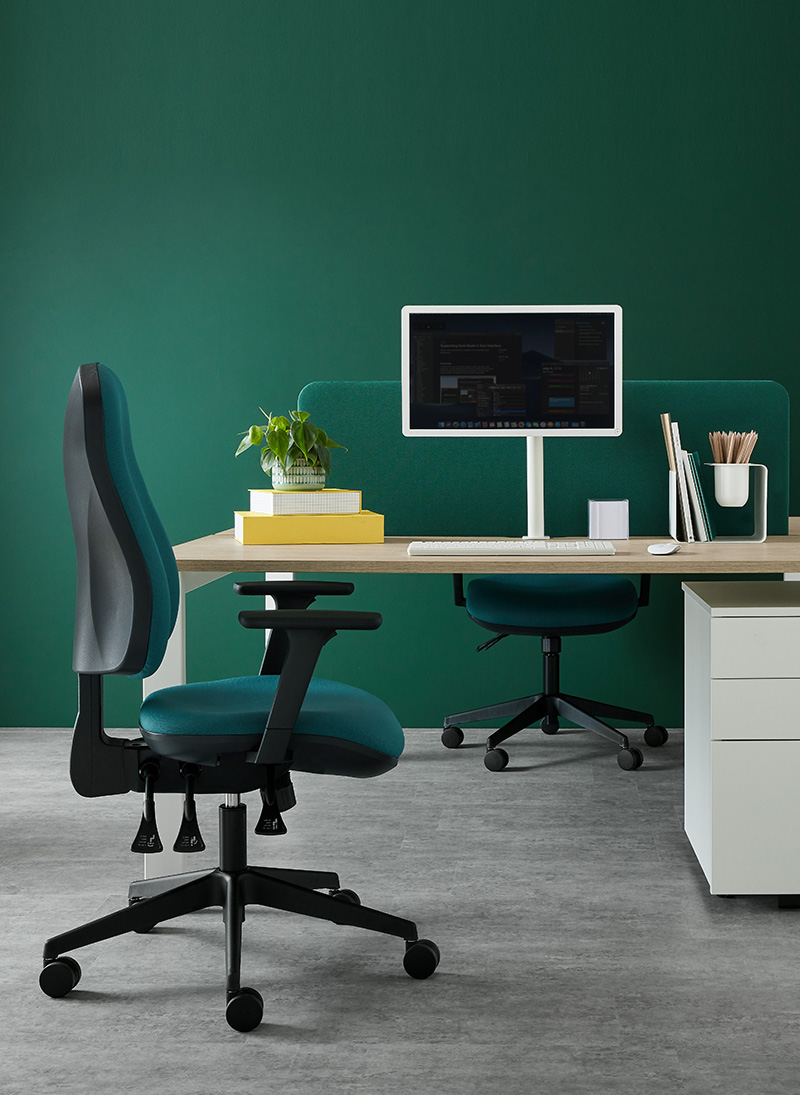
Select a chair that supports your lower back and allows for adjustable height. At Ergonomic Solutions Direct, we offer ergonomic chairs to help support comfortable sitting at your ergonomic workstation.
Explore our range of home office ergonomic chairs, or try our Ergo Find tool to find a chair that suits your needs. Simply answer six questions to receive a personalised recommendation.
Set Your Desk and Screen Right
Ensure you’re working at a desk or table that allows your elbows to rest at a 90-degree angle. Whether you’re working on a monitor or a laptop, your screen should be at eye level to avoid neck strain. A height-adjustable sit-stand desk is a practical option for a home office, giving you the flexibility to alternate between sitting and standing throughout the day.
Further accessories, such as monitor arms or laptop stands, can help create the best ergonomic home office set up.
Use the Right Accessories
Ensure you’re working at a desk or table that allows your elbows to rest at a 90-degree angle. Whether you’re working on a monitor or a laptop, your screen should be at eye level to avoid neck strain. A height-adjustable sit-stand desk is a practical option for a home office, giving you the flexibility to alternate between sitting and standing throughout the day.
Have Good Lighting
Natural light is best; however, desk lamps with different brightness levels are a good option too. However, you should be mindful and avoid glare on your screen to protect your eyes in the best home setup.
Take Regular Breaks
For any ergonomic workstation, it is important to stand and stretch frequently to keep your body awake and avoid aches.
Looking for inspiration for your next break? Explore our guide to the best stretches for office workers.
How Ergonomics Helps Your Wellbeing
A well-designed home workstation is about more than physical comfort; it can also help you feel more focused and positive throughout the working day.
For more practical tips on how to sit comfortably, read our blog on how to improve your sitting posture in six easy steps.
Products That Can Help
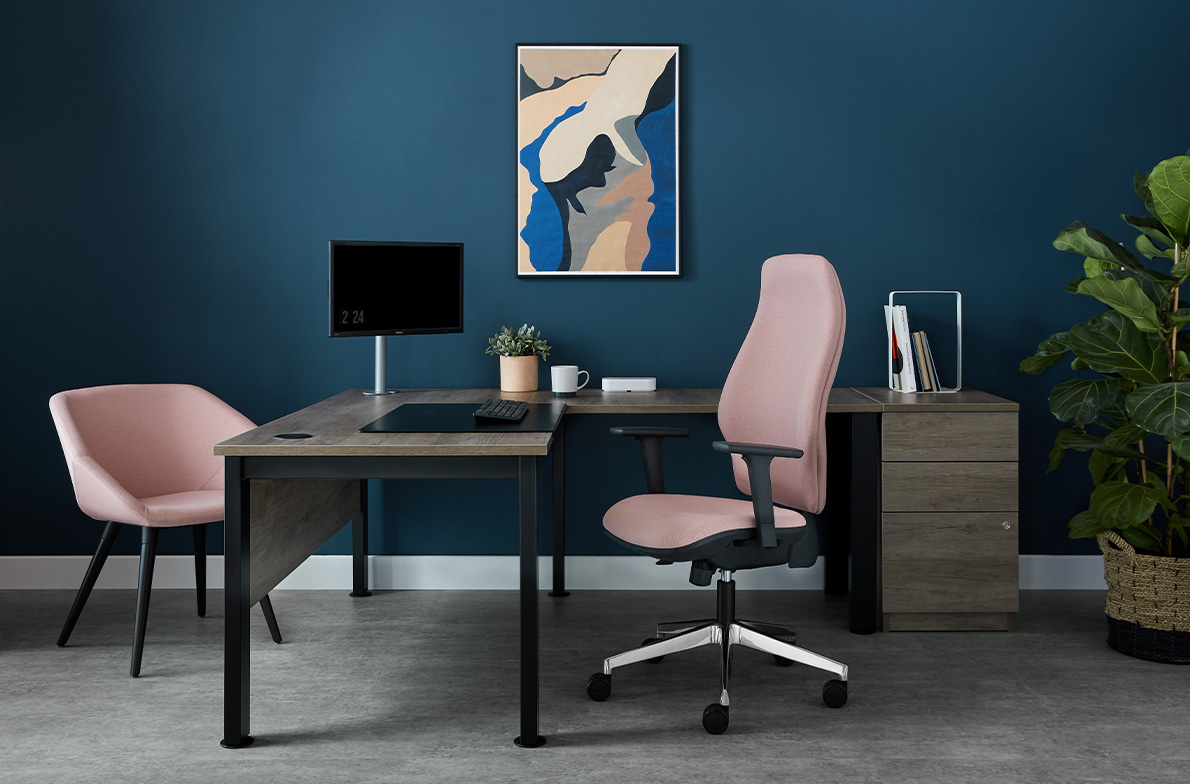
To create the best ergonomic home office setup, include a supportive ergonomic office chair and desk.
Adding a footrest can also help reduce back strain. Incorporating a monitor or laptop stand to raise your screen, along with an ergonomic keyboard and mouse, promotes healthy wrist movement. Simple tools like these can make your ergonomic workstation comfortable and productive.
Working from home should feel good, but never uncomfortable. A well-organised space can make a big difference to how you feel during the day. Pay attention to your posture, choose the right tools, and set up your space to fit any specific needs for a better outcome.
If you’re ready to improve your setup, explore our website to find trusted products that support your comfort and productivity at home or contact a member of our team today for more help.

Buyers Considerations:
Is an ergonomic chair worth the investment for a home office?
Yes, investing in a good ergonomic chair is well worth considering if you spend several hours working from home. While it can be tempting to use a standard dining chair or an inexpensive office chair, these often lack the support and adjustability needed for sitting comfortably throughout the working day.
From our experience, one of the most common things people overlook when choosing a chair is that everyone’s requirements are different. A chair that works perfectly for one person may not provide the right support for someone else.
Look for a chair with adjustable seat height, good lumbar support, and adjustable armrests. Features such as seat depth adjustment and a reclining mechanism can also make a real difference, helping you find a position that suits your body and working style.
At Ergonomic Solutions Direct, we believe choosing the right chair is about finding something that works for you, rather than simply choosing the most expensive option. Our Ergo Find tool can help you narrow down your options and find a chair suited to your individual requirements.
What ergonomic accessories will help improve my posture and comfort when working from home?
The right ergonomic accessories can make a noticeable difference to your home office setup, particularly if you’re working with limited space or using a laptop.
Checklist:
- Monitor Arm or a laptop stand will help provide a comfortable viewing height and reduce the need to constantly look down, which can lead to neck and shoulder discomfort.
- A footrest will close the gap between the feet on the floor when sitting at your desk, which is great for petite users. By using a footrest, it can help provide better support for your legs and encourage a more comfortable sitting position.
- An Ergonomic Keyboard and mouse will help you position your hands and wrists more comfortably.
Our advice is to look at your existing workstation first and identify what’s missing. You don’t necessarily need to purchase everything at once; sometimes one or two carefully chosen accessories can make a significant difference to your everyday comfort.
What should I look for when buying ergonomic home office furniture?
When buying ergonomic home office furniture, it’s important to think about how you work, how much space you have available and what support you need throughout the day.
Start with your chair. Look for adjustable features such as seat height, seat depth, lumbar support, and armrests. The aim is to find a chair that supports your body comfortably and can be adjusted to suit your individual needs.
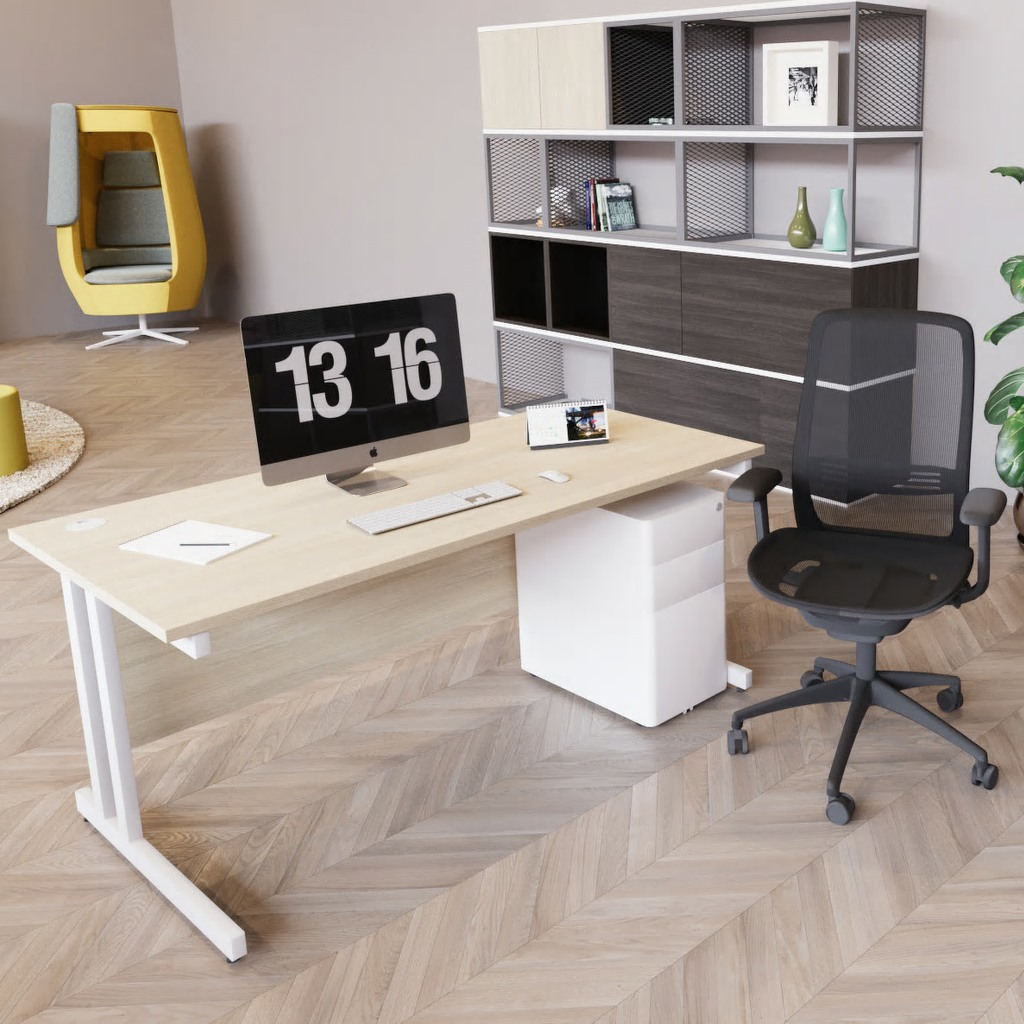
Next, consider your desk. Make sure it provides enough space for your equipment and allows you to work with your elbows comfortably positioned and your shoulders relaxed. A height-adjustable desk is worth considering if you’d like the flexibility to alternate between sitting and standing during the day.
Don’t overlook the smaller details, either. Monitor arms, laptop stands, footrests and ergonomic keyboards and mice can all help you create a more comfortable and practical workstation.
One thing we always recommend is thinking about your workstation as a complete setup rather than buying individual products in isolation. Your chair, desk and accessories should work together to support your working position.
At Ergonomic Solutions Direct, we understand that choosing the right equipment can feel overwhelming, particularly with so many options available. If you’re unsure where to start, our team can help you explore the options and find products suited to your workspace and requirements.