

Best Chair for Lower Back Pain
- 05/06/2026
- 0 Comment(s)
If your lower back aches while you work, it may be time to rethink your office chair.
Lower back pain is quite common, but the cause is not always clear, especially if you have not overexerted yourself and do not have a condition or disability affecting your lumbar region.
However, one thing is certain: sitting in the wrong office chair for long periods can trigger lower back pain and worsen existing conditions.
A good ergonomic office chair will provide low back support, helping to maintain a neutral spine and alleviate lower back pain. Let’s take a closer look at the causes of back pain in the workplace, lower back chair features that will be effective, and our recommendations suitable for home offices or professional work environments.
What Causes Lower Back Pain when Sitting
One of the clearest signs that your chair is contributing to back pain is poor posture. If your office chair does not support the natural curve of your spine, you may start to slump or sit in positions that place extra stress on your body and aggravate back pain.
Other causes of back pain in the workplace also include:
- Prolonged sedentary behaviour
- Poor posture, including slouching, hunching, or straining
- Incorrect ergonomic workstation set-up and equipment
- Sitting in the same position for long periods of time
- Repetitive Strain Injury (RSI) occurs when reaching or twisting while using desktop accessories, i.e., mouse, phone, keyboard.
Understanding Your Spine
Did you know that the human spine has 33 vertebrae? They are all grouped into regions and consist of 5 core areas. At the top of the neck area is the cervical spine, below this, at the upper to mid back area, is the thoracic spine, and the lower back region is the lumbar spine. Beneath these are the sacrum and, finally the coccyx, more commonly known as the tailbone.
Between most vertebrae sit intervertebral discs, which resemble soft cushions that behave like shock absorbers, with an outer ring and a gel-like centre.
The structure of the spine includes:
| Spine Structure | No’ of Vertebrae | Purpose | Natural Curves of the Spine (helps spread loads efficiently) | Ergonomic Office Chair Features (when seated) |
| Cervical Spine | 7 | Supports the head and allows neck movement. | Neck curves slightly inwards – cervical lordosis | Neck/Head Rest |
| Thoracic Spine | 12 | Attaches to the ribs and supports the upper body. | Upper back curves outward – thoracic kyphosis | Thoracic Support |
| Lumbar Spine | 5 | Supports most of the body’s weight and allows bending and twisting. | Lower back curves inward – lumbar lordosis | Lumbar Support |
| Sacrum | 5 (fused) | Connects the spine to the pelvis and transfer’s weight. | Coccyx Cut-out | |
| Coccyx | 4 (fused) | Usually between 3 and 5 fused vertebrae and is often referred to as the tailbone. This provides attachment for muscles and ligaments. | Coccyx Cut-out |
The Core of Lower Back Ergonomics
If you’re looking for a solution to lower back pain, the key to comfort and improved posture is in the lumbar support. An ergonomic office chair with lower back support may include fixed and/or adjustable lumbar support features that are designed to help alleviate pain and prevent unnecessary strain during prolonged sitting periods.
Fixed Lumbar Support
Some ergonomic chairs have built-in lumbar support built into the backrest. This is normally fixed and cannot be repositioned.
Adjustable Lumbar Support
Adjustable lumbar means it can be moved in height or manually increased or decreased to match your own curvature of the spine or target a specific area.
One example of an adjustable lumbar is a pump-up lumbar support. It usually consists of a small balloon-like device located beneath the seat, which can be inflated by hand to increase the depth and firmness of the support. This feature is especially useful in shared workspaces, as each user can adjust the chair to suit their own posture, body shape, and comfort needs.
Additional Ergonomic Seating Support Features – Lower Back
Alongside lumbar support options, there are a number of additional features that can be found on a good ergonomic chair that will enhance overall comfort.
Here are our recommendations and their benefits:
Seat Depth Adjustment
Improves back support by ensuring you’re sitting back in your chair properly against the lumbar support. The seat slide function will also accommodate different leg lengths, allowing the feet to sit flat on the floor, which helps to maintain circulation.
Recline Mechanisms
A static chair that doesn’t recline will quite likely put pressure on your spinal discs and lower back. An ergonomic chair with the ability to recline will help reduce this same pressure and will help prevent fatigue. Being able to recline introduces micro-movements, which might not sound significant, but over time, you will almost certainly be more comfortable.
Backrest and Seat Shape
A supportive backrest and comfortable seat shape are an essential combination in preventing fatigue and discomfort. A backrest can be made from mesh or upholstered and often characterised with panelled support. Seats with a waterfall design help to reduce pressure points, as well as aid better posture alignment.
Comfortable Foam
Good seat padding, including high-density, CMHR, moulded, and performance foam, will provide optimal support for long periods of sitting. Further benefits include long-term durability, pressure relief, and consistent support.
Seat Height Adjustment
Having the ability to adjust your seat height is important for your back health. It ensures your feet are flat on the floor and your knees are at a 90-degree angle. This will reduce the strain on your lumbar area and encourage proper posture.
Adjustable Arms
Having adjustable arms on your ergonomic chair will help reduce muscular strain on the shoulders and upper spine.
How to Choose the Right Level of Support
An ergonomic chair is a good investment in your health and well-being. If you’re thinking of making the upgrade and want to find the best solution for your posture, there are a few things to think about before you begin your search.
- How many hours are you likely to spend sitting each day?
- The way you naturally tend to sit and move
- Your body shape and the natural curve of your spine
- Whether the chair will be used by you or shared with others
If you’re looking for a lower-back support chair, save time by using our Ergo Find tool. Simply answer six quick questions, and we will instantly provide chair recommendations that match your body shape and ergonomic needs.
Best Office Chair for Lower Back Pain
Whether you work from home or in a professional office, it’s important to make sure you’re sitting comfortably and giving your body the support it needs.
Our range of ergonomic chairs with lumbar support has been carefully selected to help improve posture, reduce strain, and keep you comfortable, no matter how many hours you work in a day.

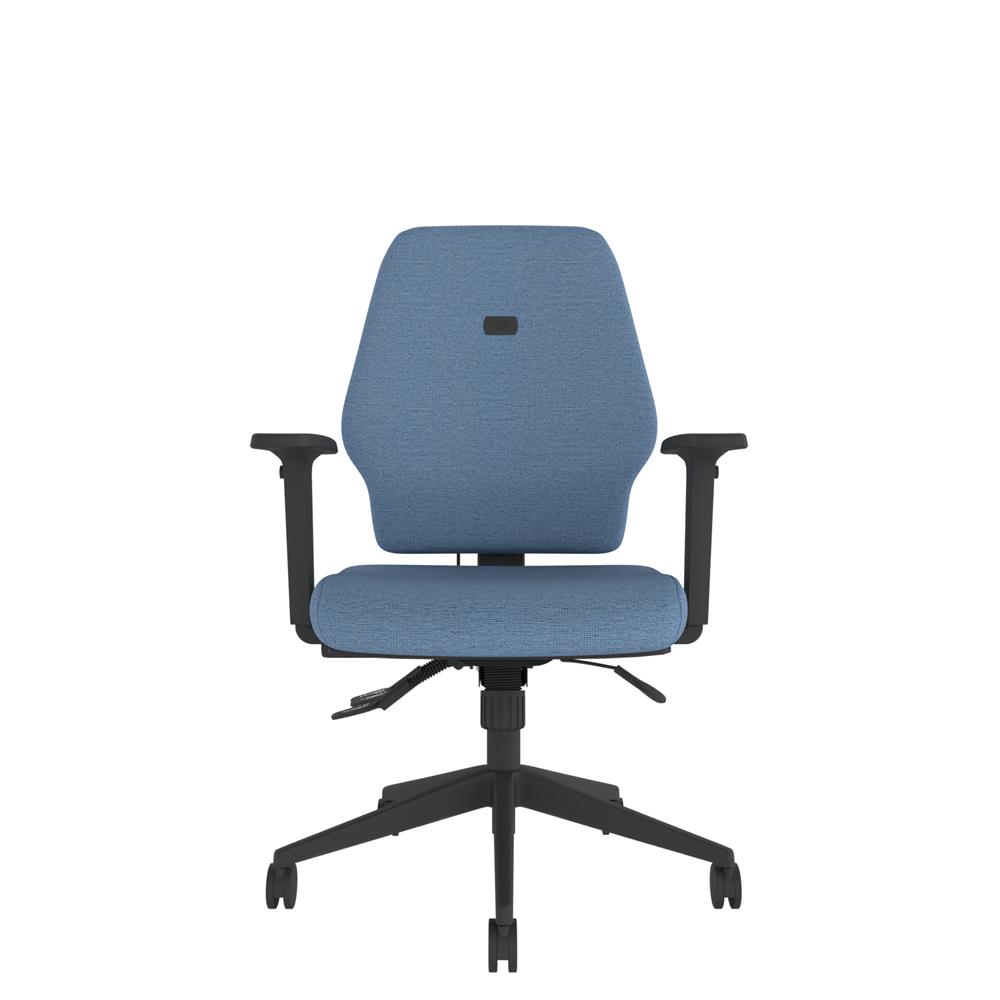
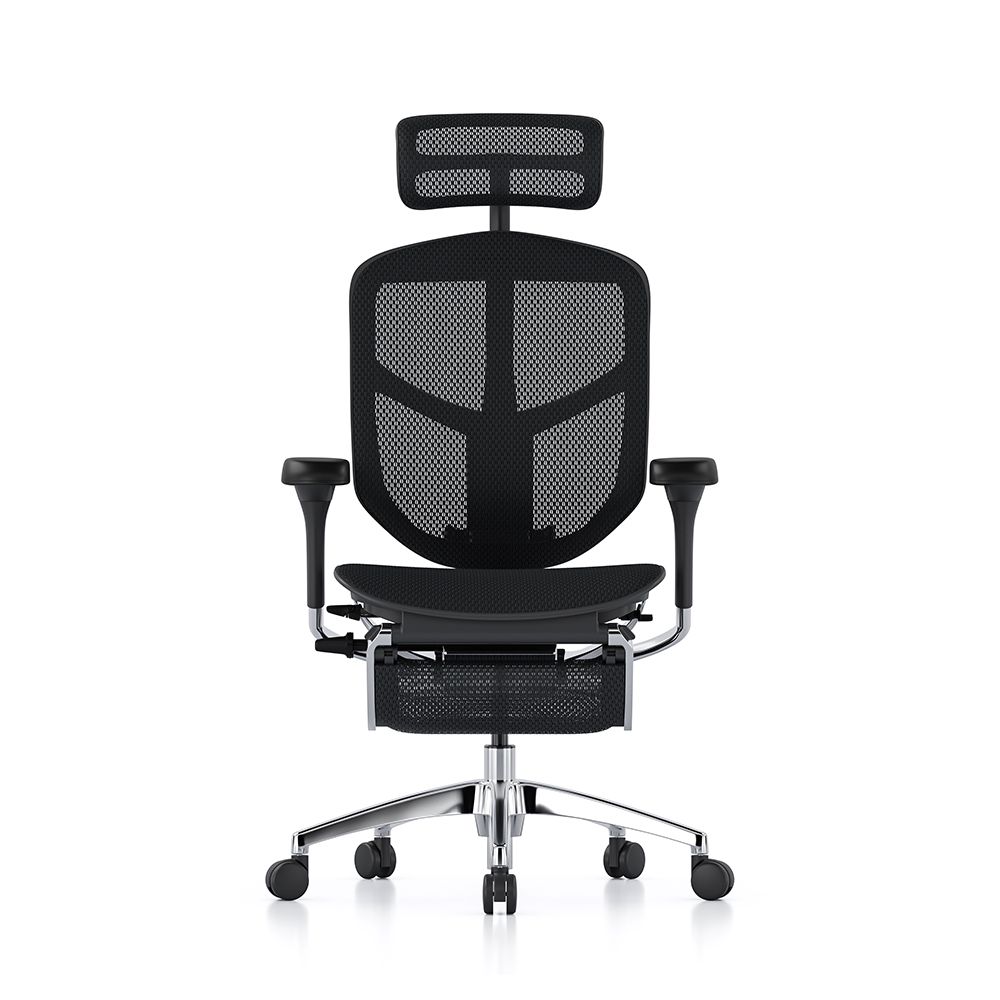

View the full range of Lumbar Support Office Chairs.
FAQs
What can cause lower back pain while sitting?
Lower back pain while sitting can be caused by poor posture, poor lumbar support, static positioning, muscle strain, or sitting in a chair that does not properly support the spine’s natural curve.
Can an office chair cause lower back pain?
Yes. A chair that is poorly adjusted or lacks proper ergonomic support can place unnecessary strain on the lower back, contributing to discomfort over time.
How can I reduce lower back pain at work?
Improving posture, using an ergonomic chair with dynamic movement, adjusting your workstation correctly, taking regular movement breaks, and maintaining proper lumbar support can all help reduce lower back pain at work.
Can sitting too long cause lower back pain?
Remaining in the same position for long periods can increase muscle tension and place pressure on the lower back, leading to stiffness and discomfort.